

Tailored to Your Needs, Built for Better Coding
Tailored to Your Needs, Built for Better Coding
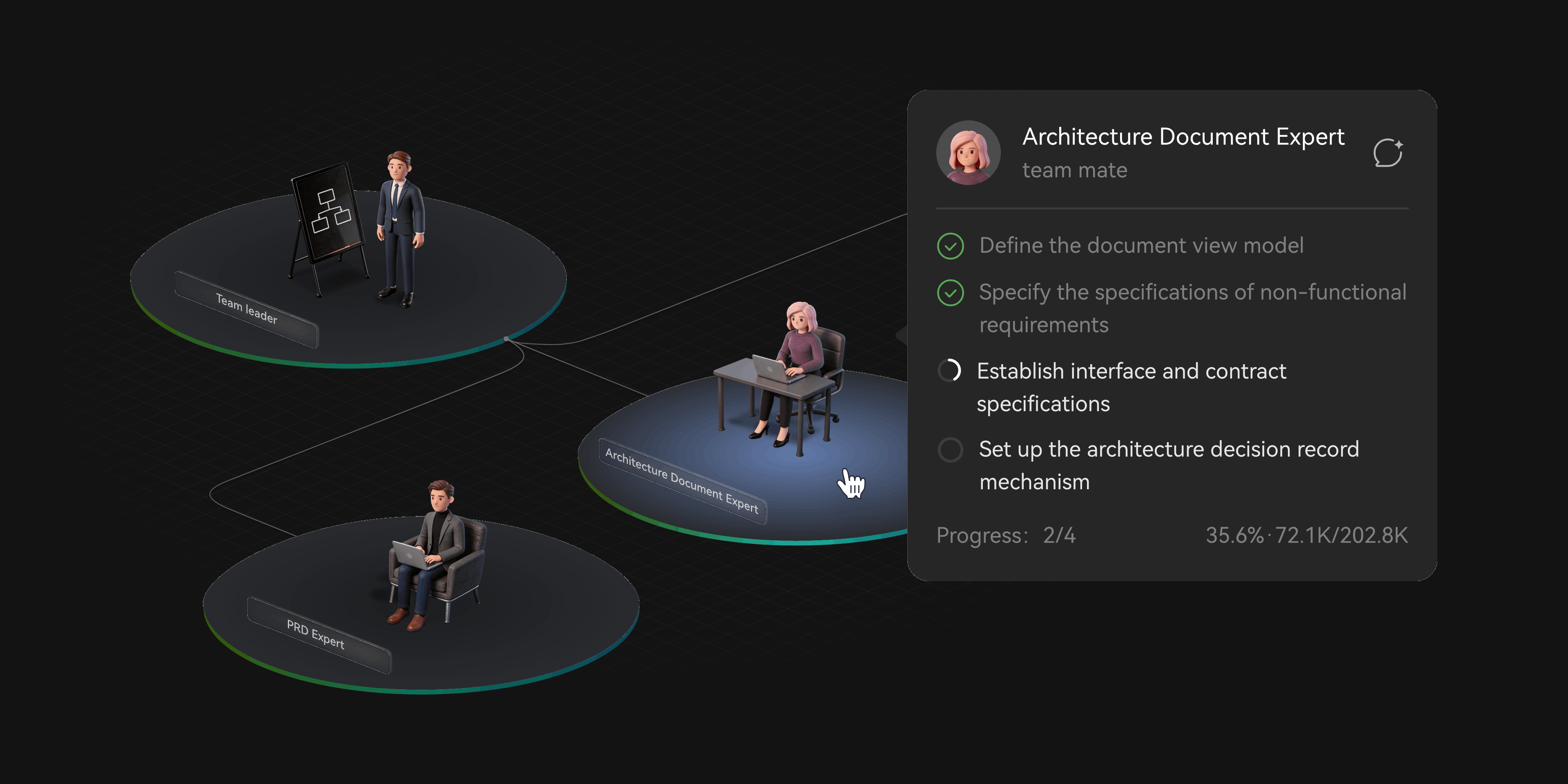
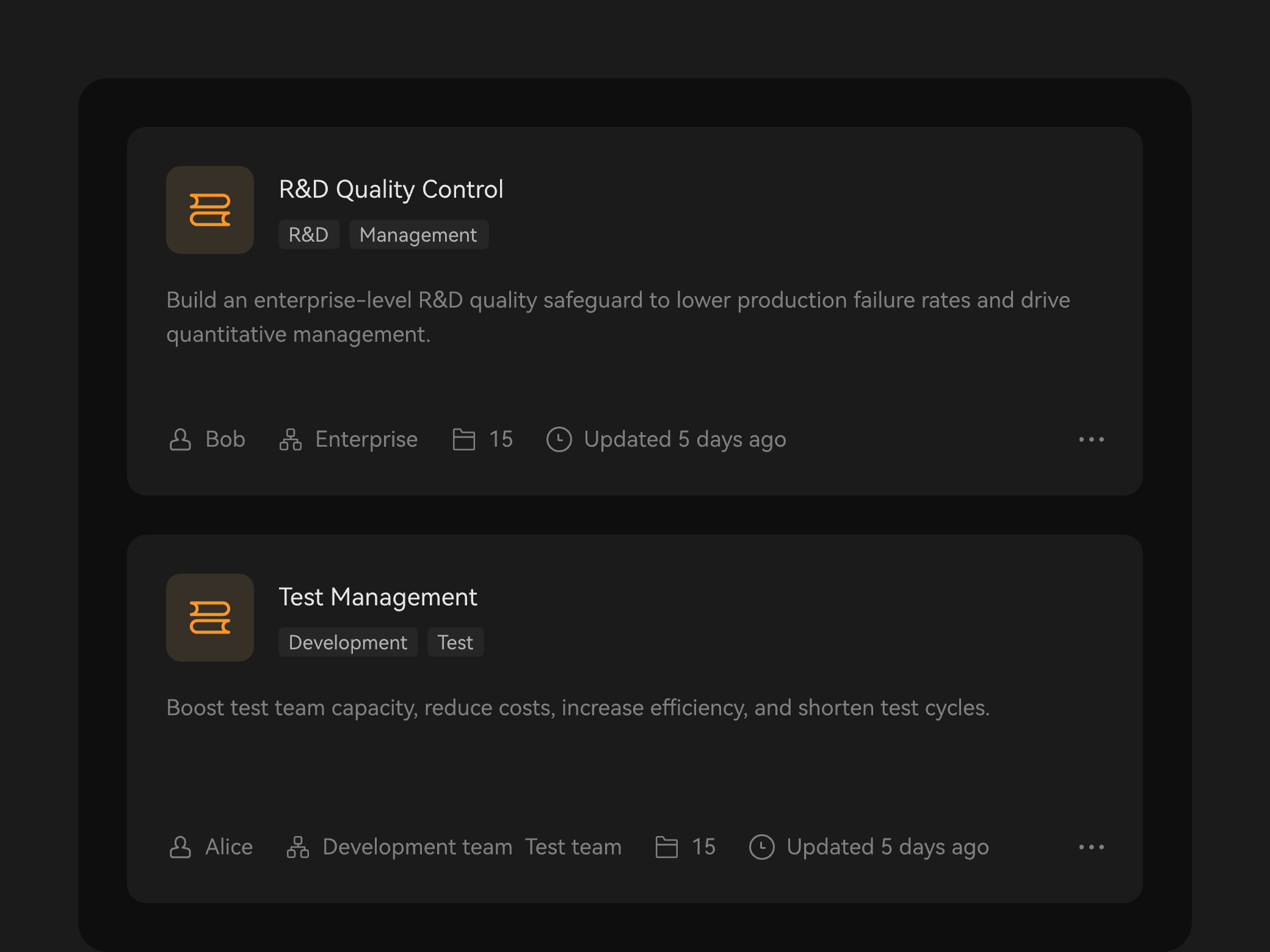
Expert Agent Team
Streamline the delivery from end to end, with collaborative R&D expert agents.
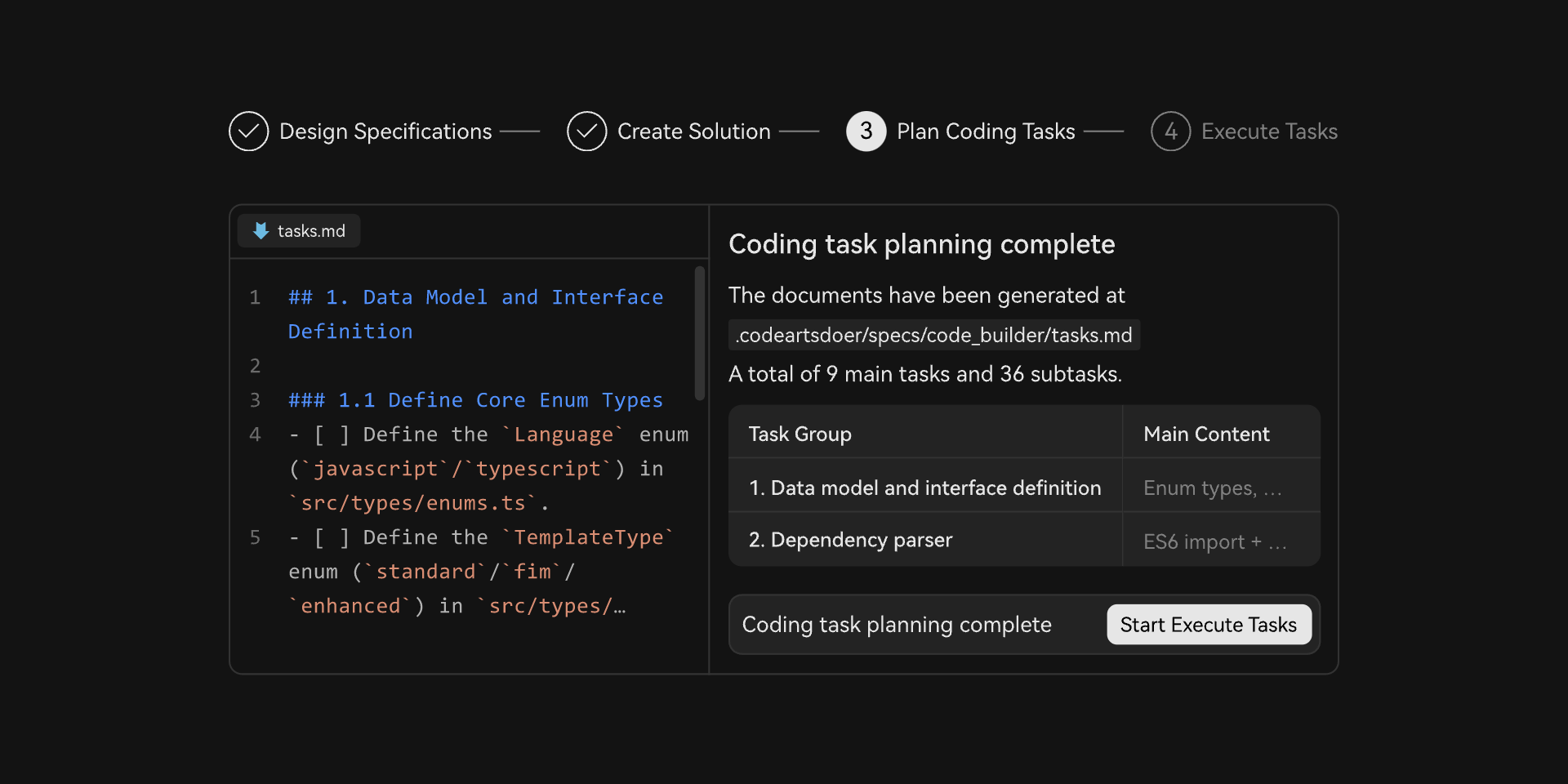
Spec-driven Development
Translate intent into requirements, design, and development tasks to deliver compliant, maintainable code.
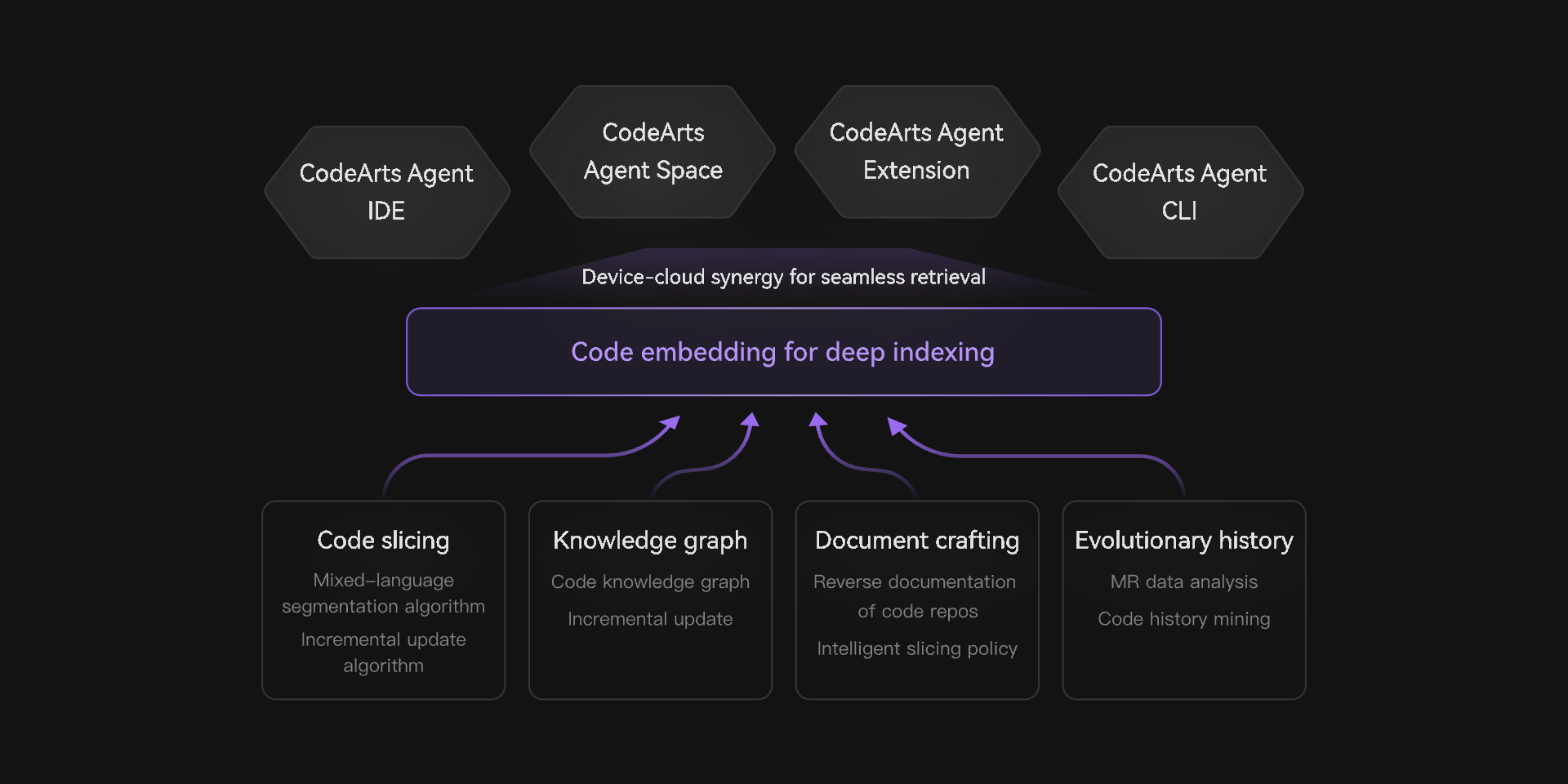
Deep Codebase Understanding
Onboard faster with deep repository comprehension. Pinpoint relevant code on demand for faster, more accurate generation.
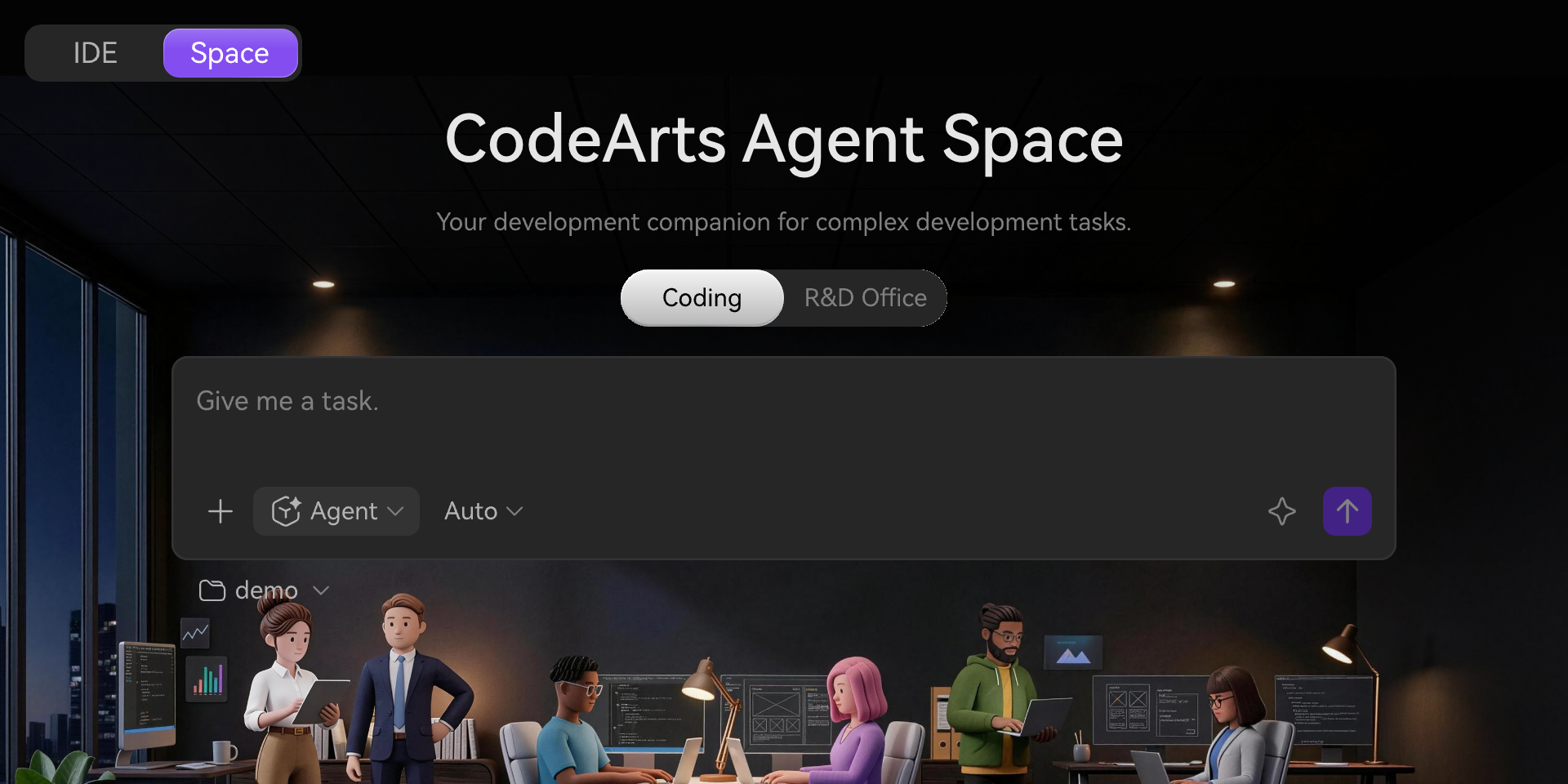
Agent Space
Effortlessly handle parallel sessions with seamless agent collaboration. Thoughtfully crafted interactions deliver visible productivity gains.
Streamline the delivery from end to end, with collaborative R&D expert agents.
Translate intent into requirements, design, and development tasks to deliver compliant, maintainable code.
Precision analysis of massive codebases lets you kickstart projects faster. Smart retrieval helps locate code on demand, enabling fast precise code generation.
Effortlessly handle parallel sessions with seamless agent collaboration. Thoughtfully crafted interactions deliver visible productivity gains.
A 2-Minute Tour of CodeArts Agent
A 2-Minute Tour of CodeArts Agent
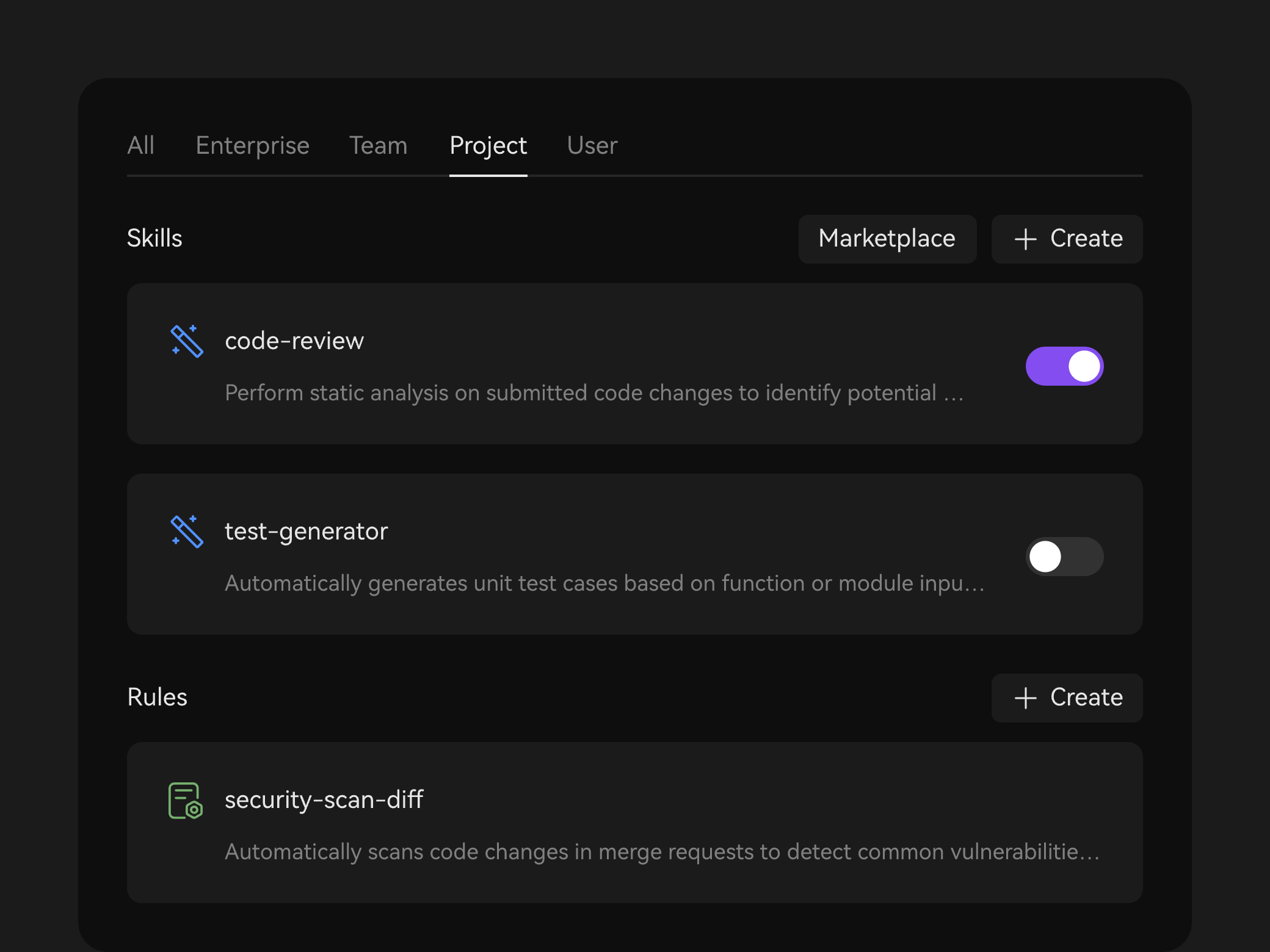
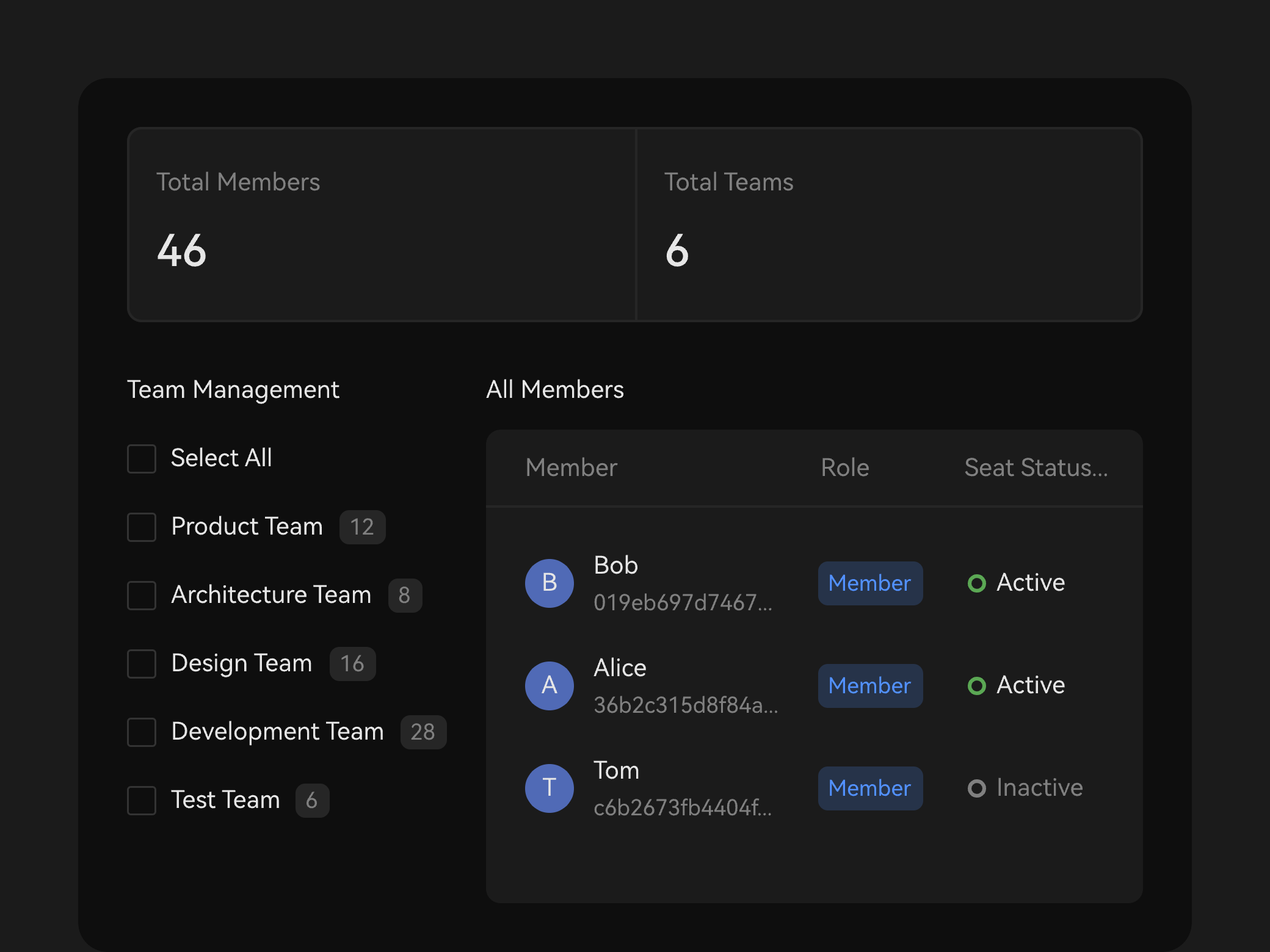
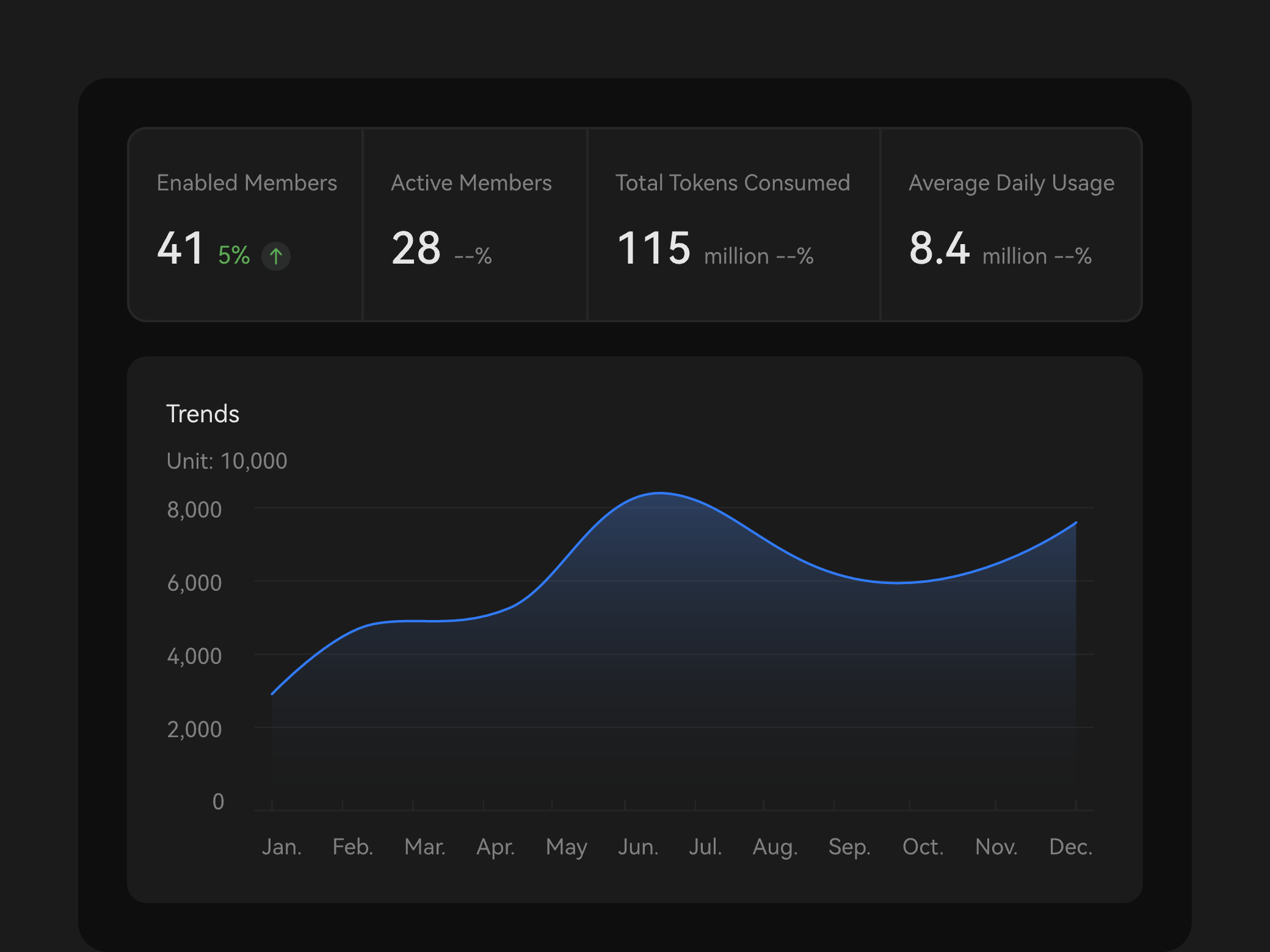
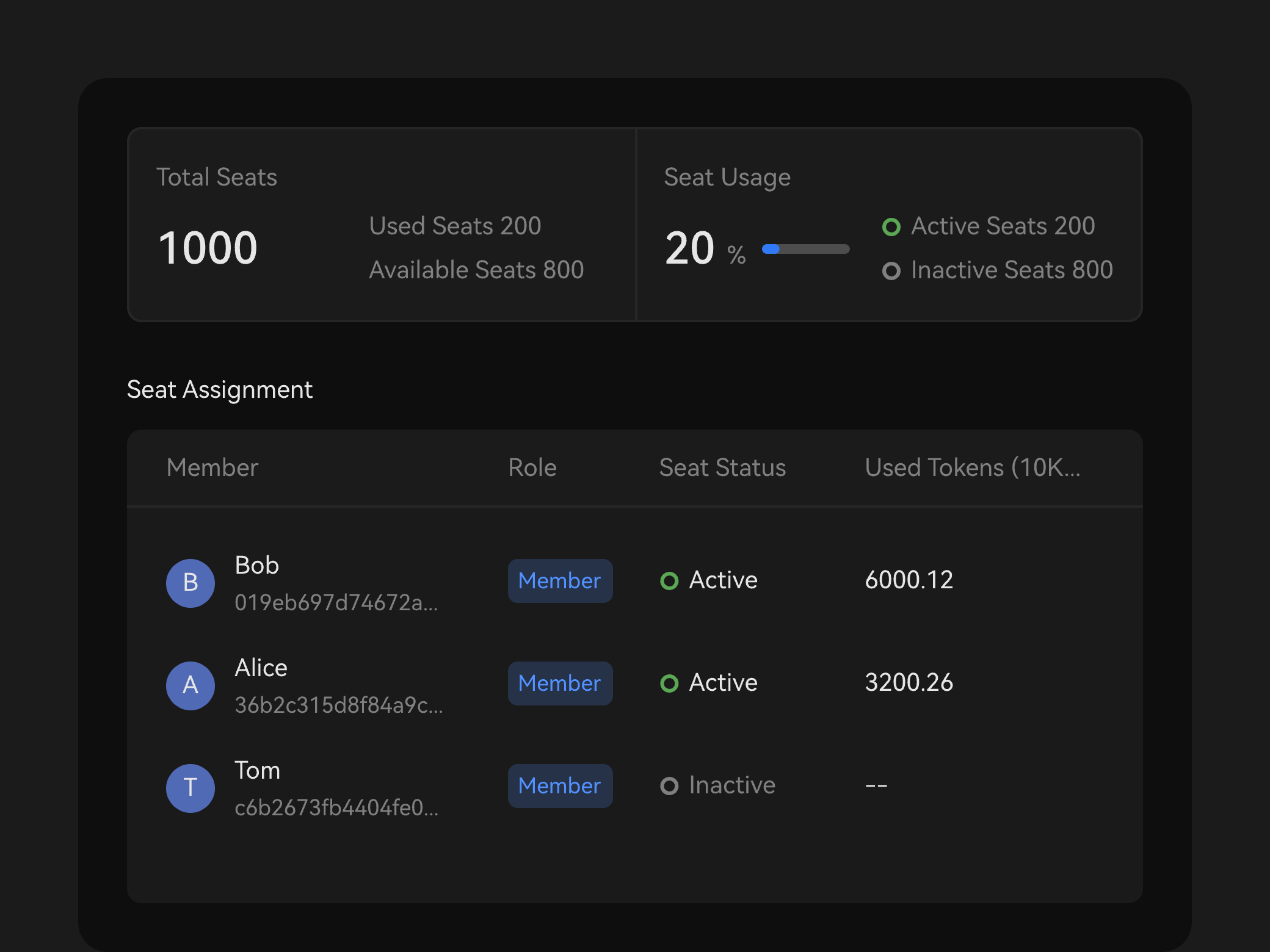
More Features Across the Development Lifecycle
More Features Across the Development Lifecycle
Born from Practice, Built for Real World Challenges
Born from Practice, Built for Real World Challenges
• Deep code comprehension: Index tens of millions of code lines and take on incremental development in your most complex projects.
• Spec-driven development at scale: multi-role agent collaboration, powered by Huawei's R&D skills.
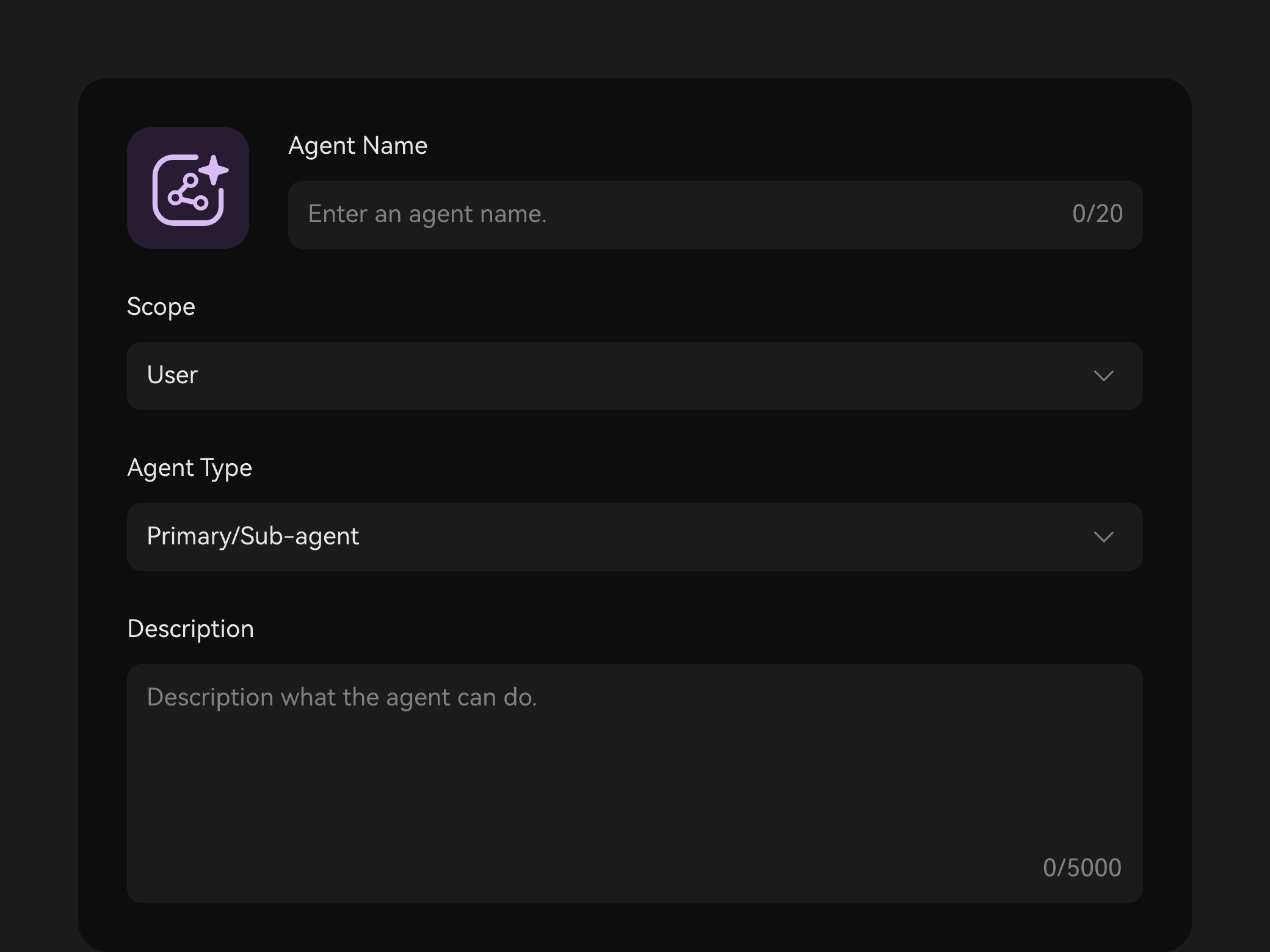
• Agent team: expert agents, covering the entire R&D.
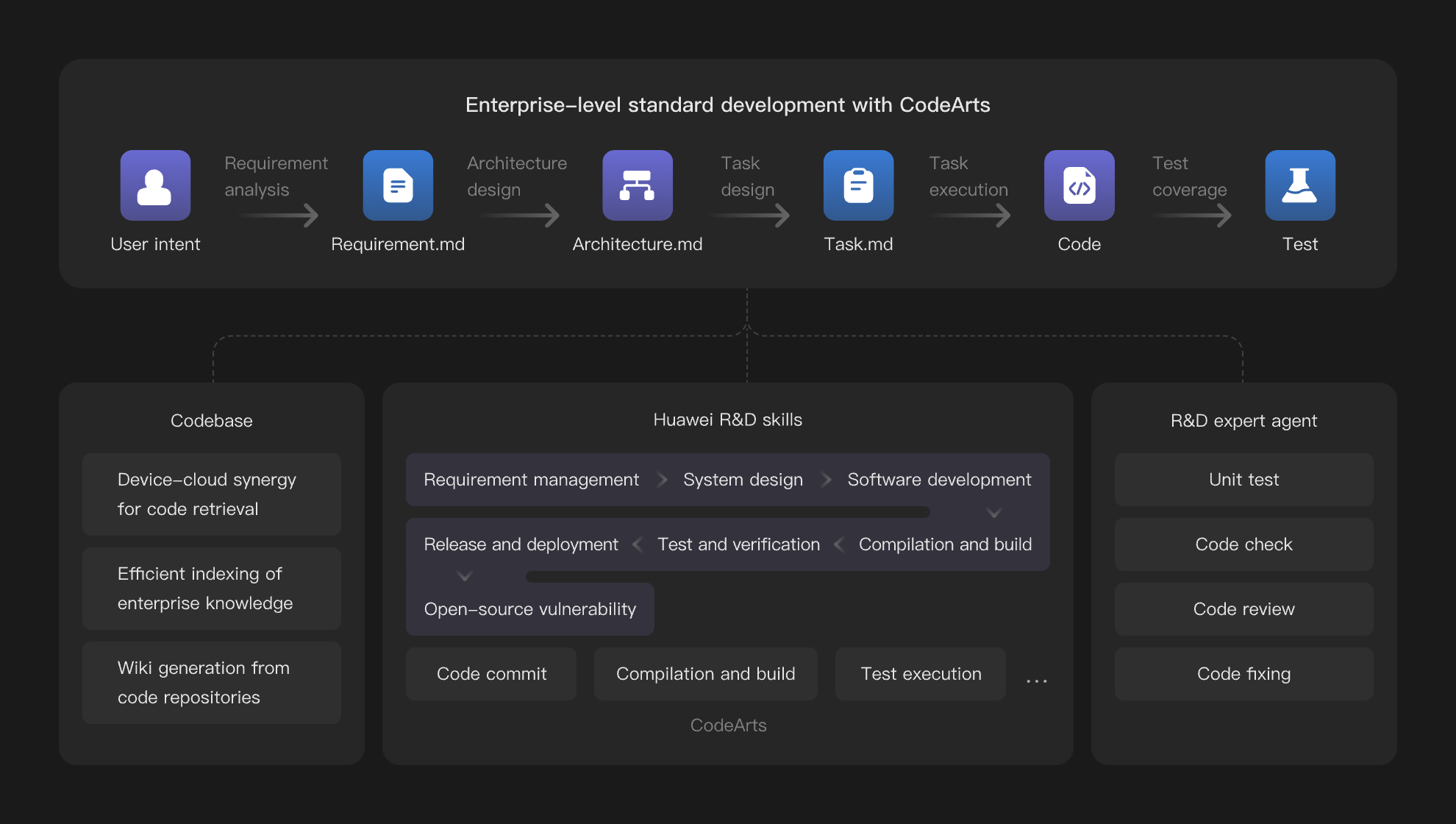
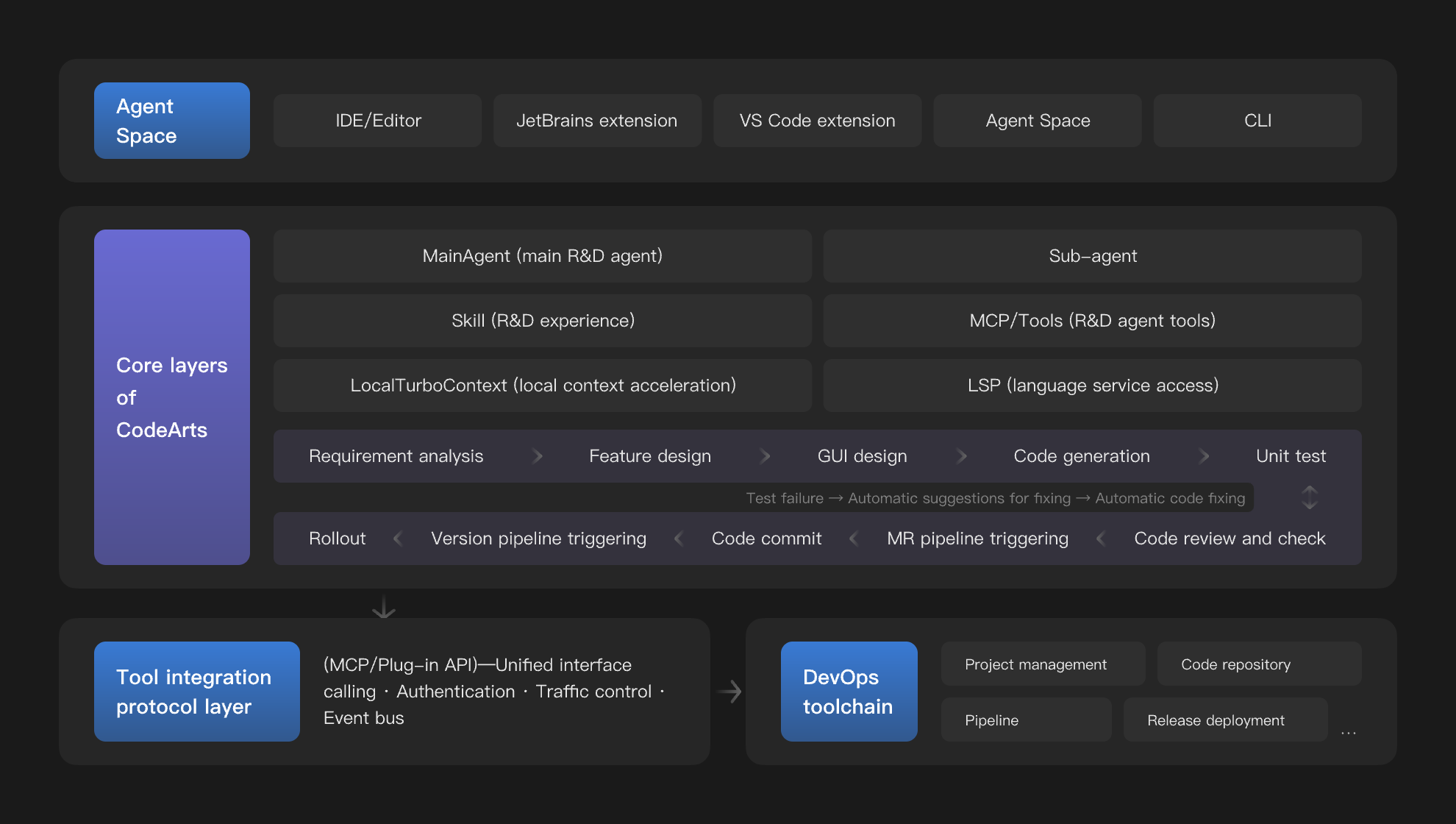
• End-to-end intelligence: Plan, develop, and operate your business autonomously.
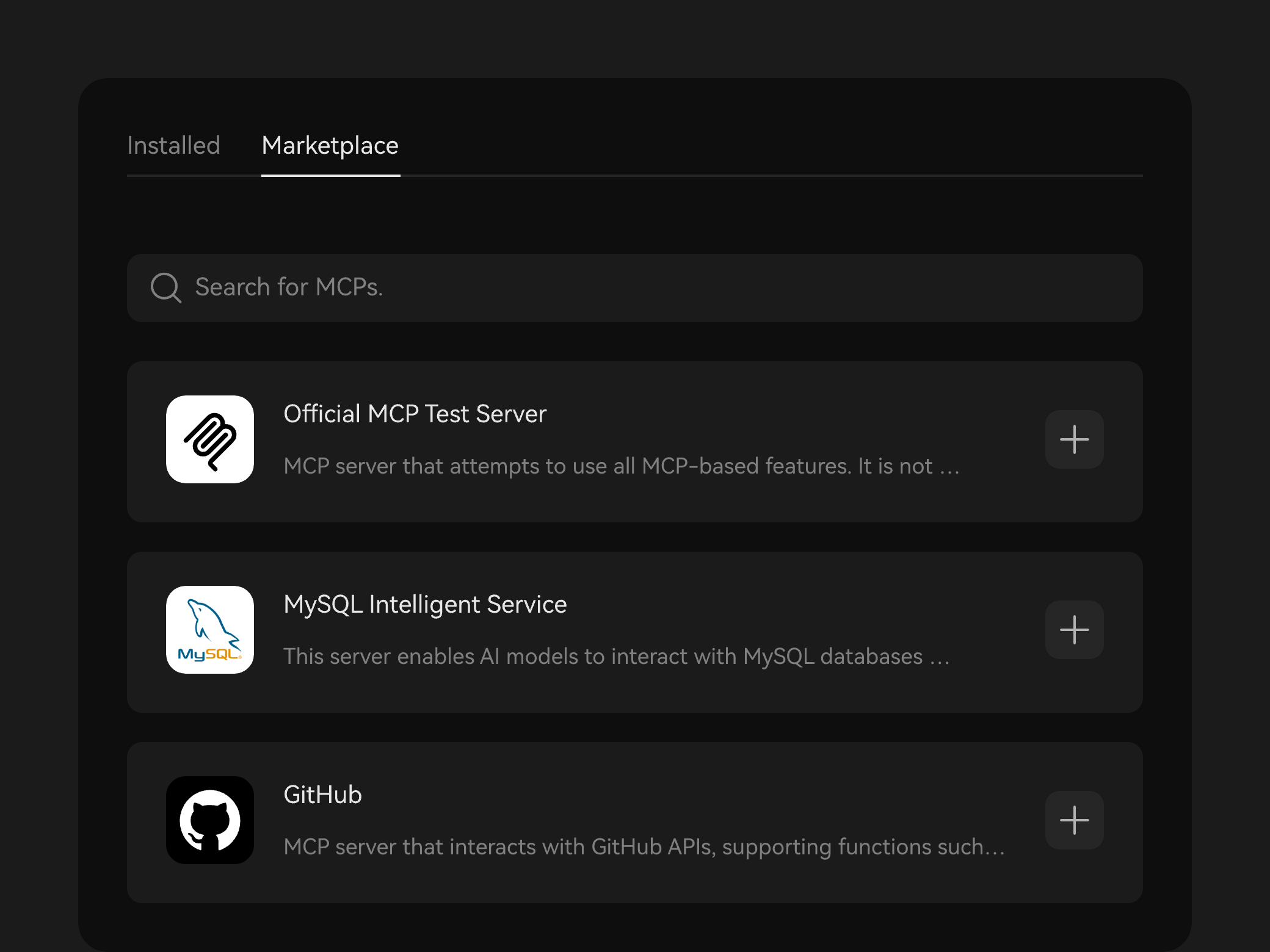
• Immersive end-to-end R&D: Autonomously orchestrate complex tasks and call on precisely the right tools.
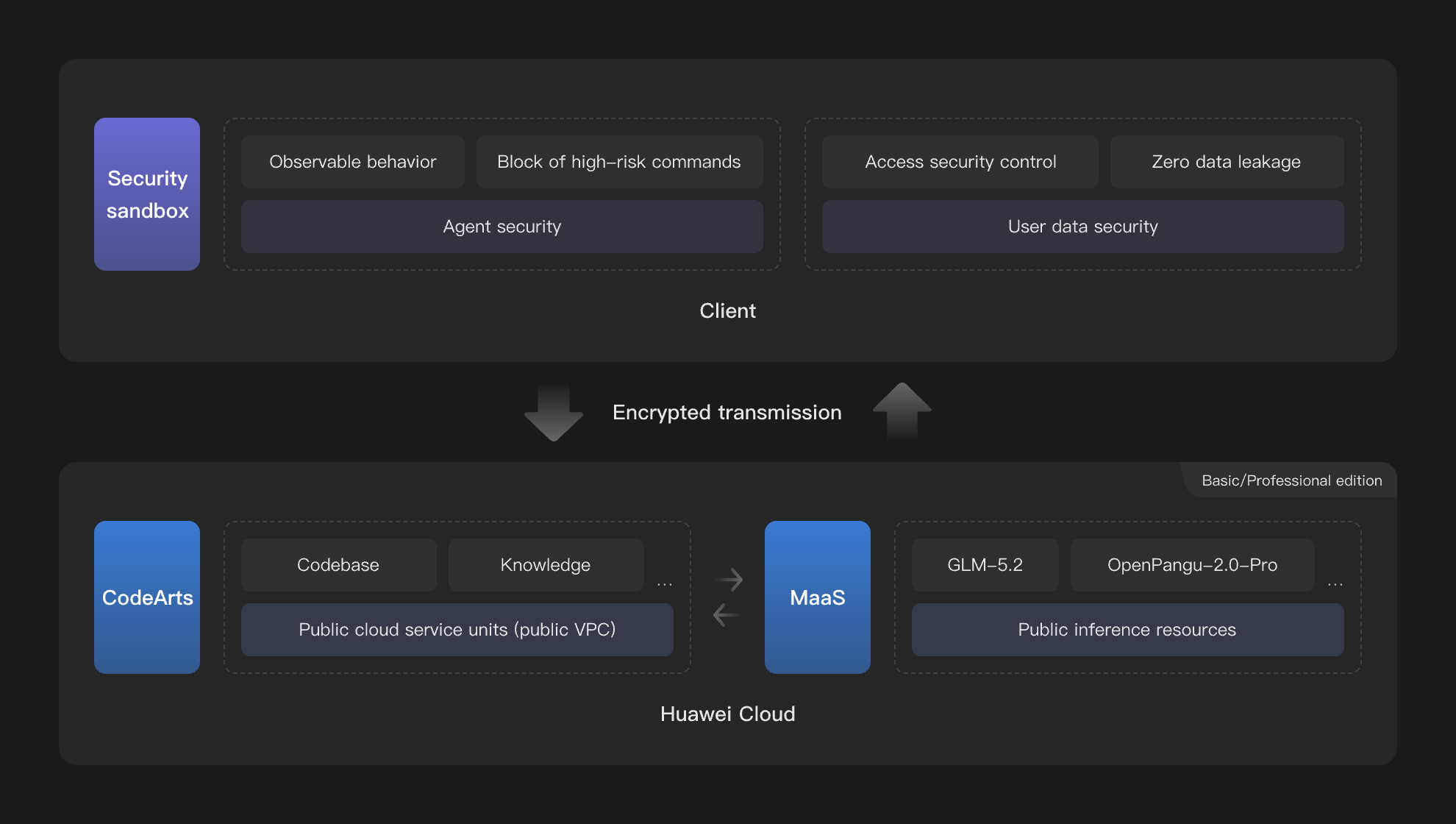
• User asset security: strict access control via Zero Trust architecture, backed by the dual protection of local data storage and encrypted transmission
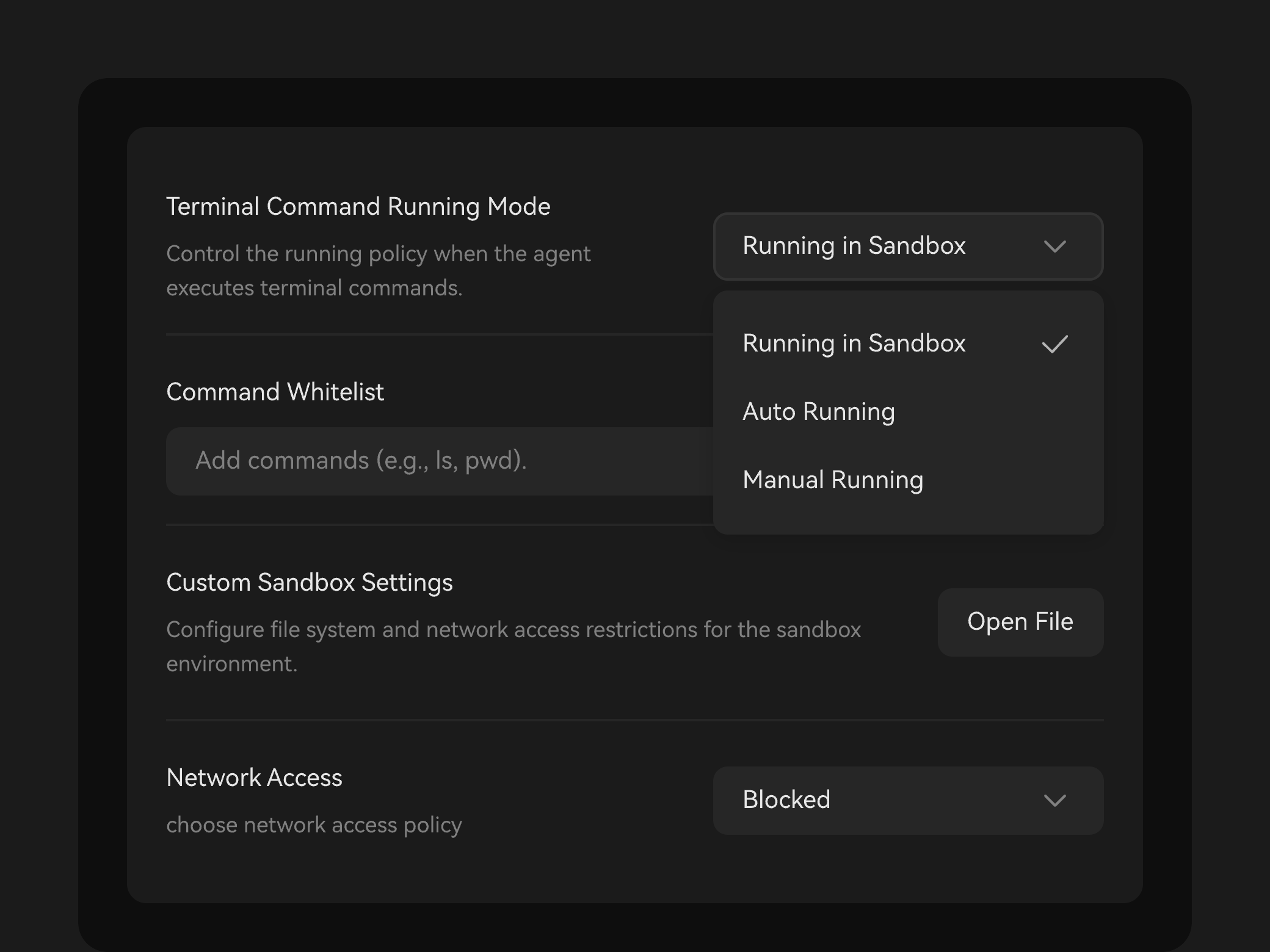
• Agent security: dual-layer network sandbox isolation and behavior detection, ensuring accessible intelligence, trustworthy behavior, and controllable risks
• Content compliance and traceability: from risk detection to event alarms and full-link tracing, building a secure, auditable, and traceable compliance defense
FAQs
FAQs